


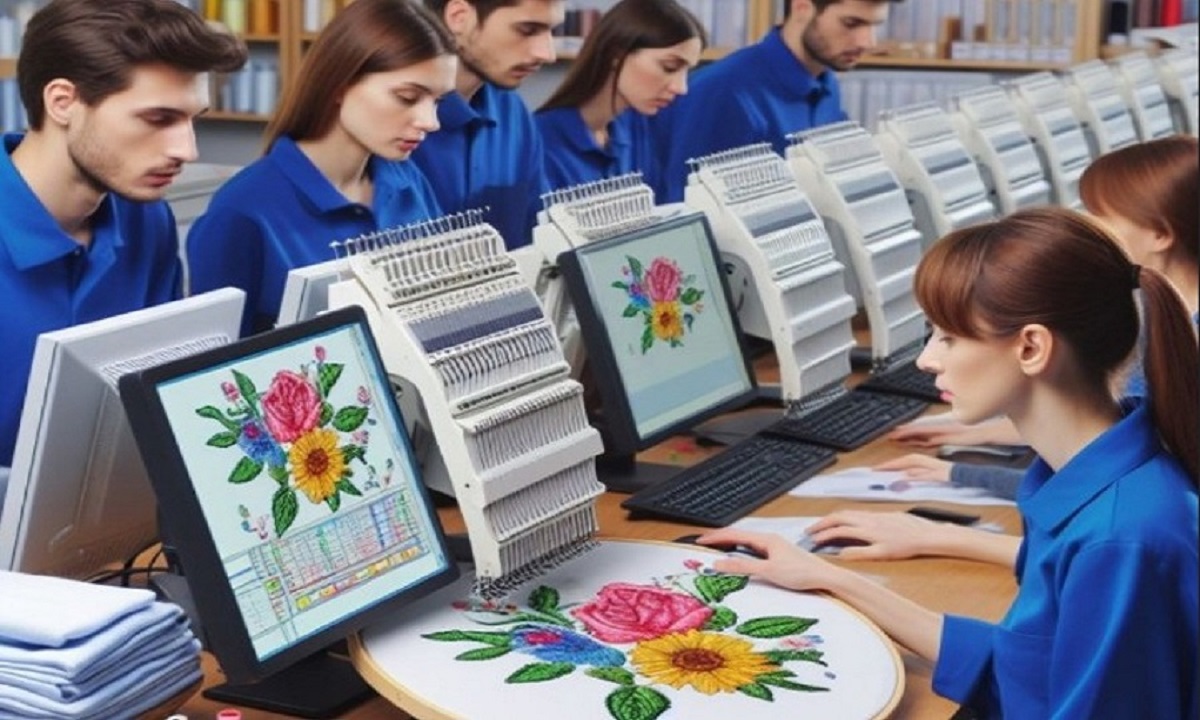

Embroidery looks neat when the base work is done right. Many people think the machine does all the work. But the truth is simple. Your artwork decides the final look. If your design is clean, your stitches will be clean too.
To get the best result, you must Digitize Artwork for Embroidery in the right way. This step helps turn your design into a stitch file that the machine can follow. But before that, your artwork must be ready and clear.
Why Artwork Preparation Matters
Good prep saves time and effort.
What Happens with Good Prep
- Smooth stitching
- Clean edges
- Better shape control
What Happens with Poor Prep
- Thread breaks
- Gaps in design
- Rough edges
When your artwork is ready, your work becomes easy.
Start with a High-Quality Image
Your design should be clear from the start.
What Makes a Good Image
- Sharp edges
- No blur
- Good contrast
What to Avoid
- Pixelated images
- Low resolution
- Busy backgrounds
A clear image gives a strong base.
Keep Your Design Simple
Simple designs work best in embroidery.
Why Simplicity Is Key
- Easy to stitch
- Fewer errors
- Faster process
Tips to Simplify
Use Bold Shapes
Thin lines may break.
Remove Tiny Details
Small parts may not show in thread.
Limit Text Size
Very small text is hard to stitch.
Clean the Artwork
Cleaning your design is very important.
Steps to Clean
- Remove background
- Fix rough edges
- Smooth lines
Tools You Can Use
- Image editing software
- Free online tools
Clean artwork gives clean stitch paths.
Choose the Right Colors
Colors play a big role in embroidery.
Tips for Color Use
- Use solid colors
- Avoid too many shades
- Keep contrast strong
Why It Matters
Too many colors slow down the machine and create more thread changes.
Convert Artwork into Vector Format
Vector files help in better results.
Why Vector Is Better
- Smooth edges
- Easy to resize
- Clean shapes
Common Formats
- SVG
- AI
- EPS
Vector designs are easier to digitize.
Understand Stitch Types
Each part of your design needs the right stitch.
Common Stitch Types
Satin Stitch
Good for borders and text.
Fill Stitch
Used for large areas.
Running Stitch
Best for fine lines.
Choosing the right stitch improves quality.
Set Proper Stitch Density
Density controls stitch spacing.
Why Density Matters
- Too high = thick design
- Too low = gaps
Best Tip
Keep balance and test your design.
Use Underlay for Support
Underlay is the base layer of stitches.
Why Underlay Helps
- Keeps fabric stable
- Supports top stitches
- Reduces gaps
Types of Underlay
- Edge run
- Zigzag
- Fill underlay
Underlay improves the final look.
Match Design with Fabric
Fabric type affects stitching.
Common Fabrics
- Cotton
- Polyester
- Stretch fabric
Tips
- Use stabilizer
- Adjust stitch type
- Test on similar fabric
Each fabric needs care.
Use Stabilizers the Right Way
Stabilizers hold the fabric in place.
Types of Stabilizers
- Cut-away
- Tear-away
- Wash-away
How to Choose
- Stretch fabric = cut-away
- Firm fabric = tear-away
- Light design = wash-away
Stabilizers prevent shifting.
Adjust Machine Settings
Machine settings must be correct.
Key Settings
- Thread tension
- Speed
- Needle type
Tips
- Do not run too fast
- Check tension
- Use the right needle
Proper settings give smooth results.
Test Before Final Stitch
Testing is a must.
Why Testing Helps
- Finds errors
- Saves time
- Improves quality
How to Test
- Use scrap fabric
- Check alignment
- Look for gaps
Always test your design.
Common Mistakes to Avoid
Avoid these common errors.
Top Mistakes
- Using low-quality artwork
- Skipping cleaning step
- Too many colors
- Wrong stitch settings
- No test run
Fixing these will improve your work.
Tools That Help You Prepare Artwork
You do not need many tools.
Basic Tools
- Editing software
- Digitizing software
- Embroidery machine
Popular Software
- Wilcom
- Hatch
- Brother PE-Design
Choose tools that match your needs.
Real Experience Tips
From daily work, small steps matter.
Tip 1: Start Clean
Do not fix later. Fix now.
Tip 2: Keep It Simple
Less detail gives better results.
Tip 3: Test Often
Small tests save big problems.
Tip 4: Learn from Mistakes
Each error helps you grow.
When to Get Expert Help
Some designs need expert work.
When to Hire Experts
- Complex artwork
- Tight deadlines
- High-detail designs
Absolute Digitizing has strong experience in preparing artwork for embroidery. Their team knows how to turn rough designs into clean stitch files.
How Absolute Digitizing Helps
Working with experts saves time.
What They Offer
- Clean digitizing
- Fast delivery
- Quality checks
Absolute Digitizing focuses on detail and accuracy. This helps you get better results every time.
Build Trust with Clean Embroidery
Clean work builds trust.
Why It Matters
- Clients notice quality
- Good work brings repeat orders
- Strong designs build your brand
Always aim for quality.
Real-Life Uses of Clean Designs
Prepared artwork is used in many ways.
Common Uses
- T-shirts
- Caps
- Jackets
- Bags
Each use needs clean stitching.
Tips for Beginners
If you are new, start simple.
Easy Tips
Practice Daily
Small steps help you grow.
Use Simple Designs
Avoid complex work at first.
Learn Basics
Strong basics give better results.
Final Thoughts
Preparing your artwork for embroidery is the most important step. It decides how your final design will look.
Start with a clear image.
Keep your design simple.
Clean your artwork.
Use the right tools and settings.
Test before final stitching.
With time and practice, your results will improve.
And if you need expert help, Absolute Digitizing is always there to guide you with real experience and trusted results.
Keep learning. Keep creating. Your embroidery designs will get better with each step.